









Making further use of drawing data
Text Tamara BrouwersImage Palette CAD
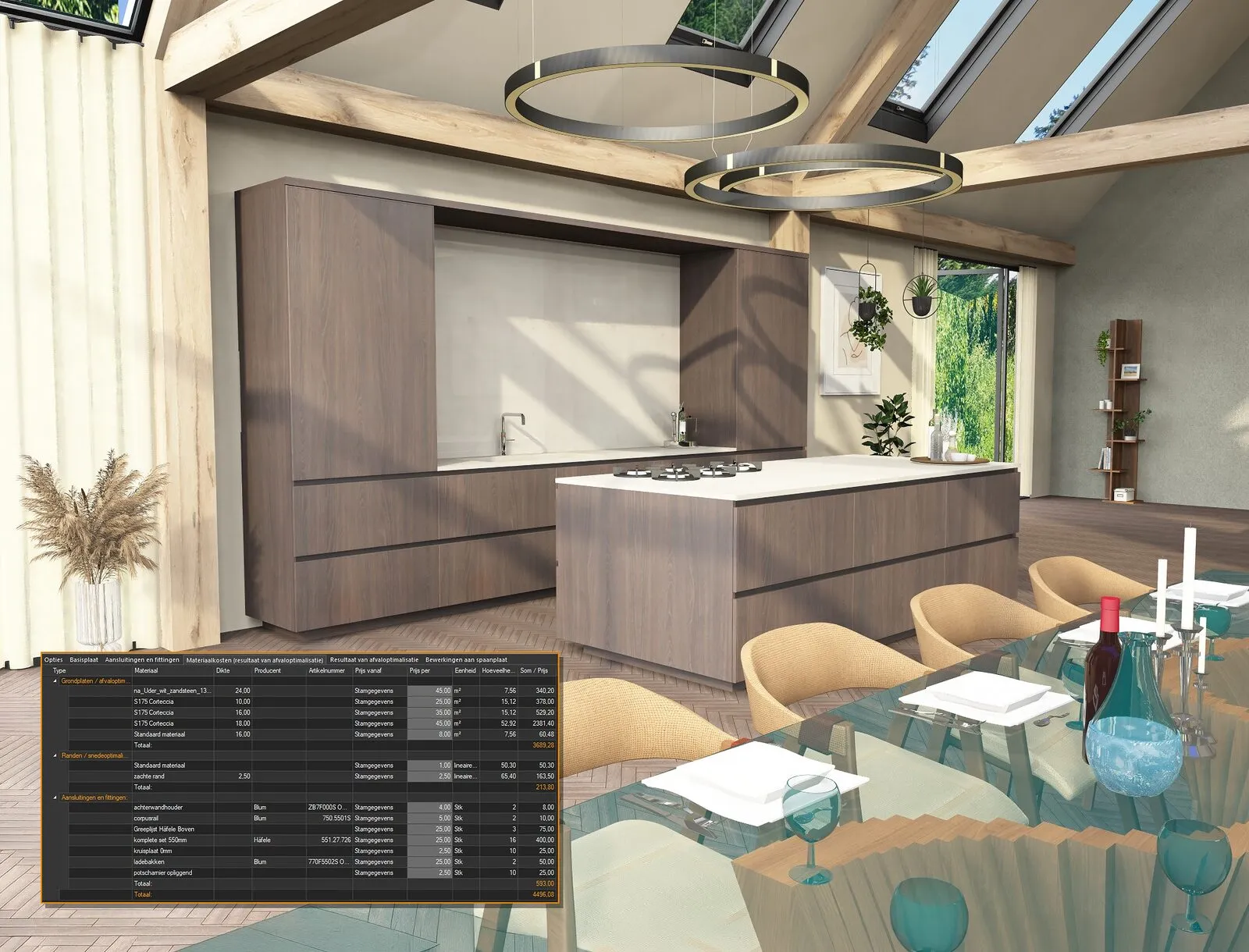
A drawing contains a great deal of information that is needed again further along in the business process. Palette CAD makes that data available to ERP systems, but also offers options for interior fitters who work without such an external system.
Anyone developing a piece of furniture or a complete interior in Palette CAD records all kinds of data while drawing. How much sheet material is needed, how many metres of edging and how many hinges? That information can be extracted from the drawing via a parts list and used further.
According to Daan Spork, Quality Manager CAD at Palette CAD, not every user is yet aware of what is possible. "We regularly get the question: how do I get the information from my drawing into my ERP system? That data is already there. We can make sure it is exported in the right way."
Palette CAD offers two options for this. Houttechniek 2.0 is intended to make data from the drawing available for further processing in an external ERP system. Houttechniek 3.0 can also export that data, but additionally makes it possible to show material and machining costs within Palette CAD itself. That makes 3.0 interesting for companies without an ERP system as well.
From drawing to ERP
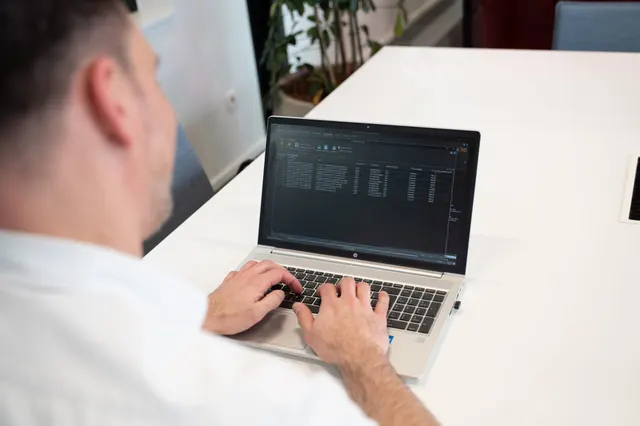
With Houttechniek 2.0, the required data is extracted from the drawing via a parts list. This can be exported as an Excel file and then imported into the ERP system. This exchange already works with Syntri and Proteus, among others. The ERP system can then use the data for purposes such as costings, quotations and order lists.
Palette CAD wants to extend this option to other ERP systems used in the interior fit-out sector. "You don't want to have to re-enter manually everything you have already recorded while drawing," says Spork.
The parts list is set up together with the support department, because the information required can differ from company to company. Should the name of the drawing be included, for example? And which data should end up in the export? "We finalise the details together with the customer, so that the list fits the way the company works." This support requires a service package, which is included as standard with Palette CAD Complete.
Costing without ERP
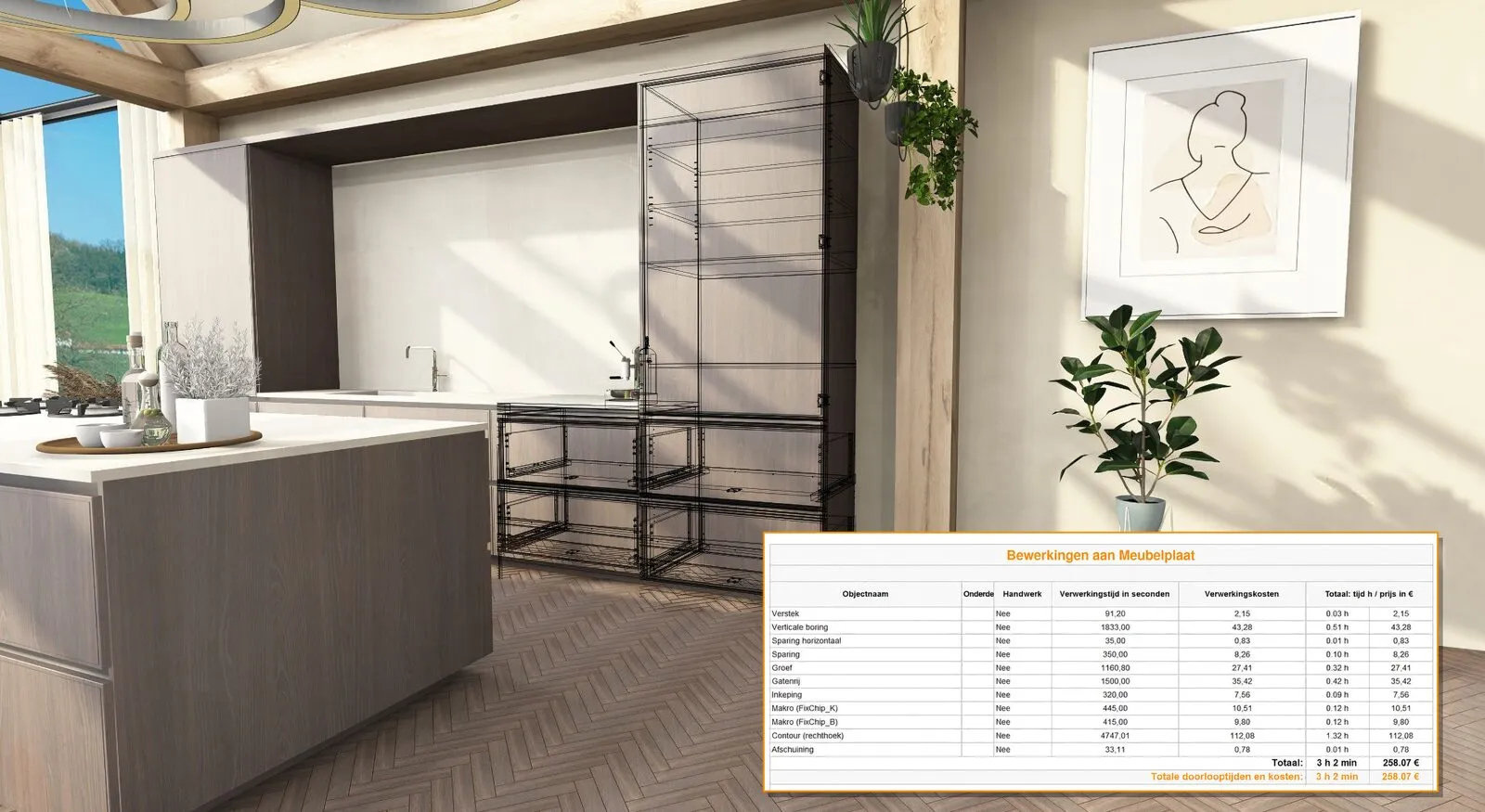
For companies without a separate ERP system, Houttechniek 3.0 offers more options within Palette CAD itself. In addition to material prices, CNC machining costs can now also be included. Times can be linked to drill holes, recesses and saw cuts, which, combined with an hourly rate, give insight into machining costs.
These costs can be viewed per furniture panel, per cabinet or for the complete drawing. This also shows where within a design relatively high costs arise, so that it is possible to look specifically at where adjustments can be made. Sheet material can also be calculated more accurately. The user can look at the number of square metres in the drawing, but also at the number of full sheets that actually need to be ordered. The latter gives a more realistic picture of the material costs.
Like 2.0, Houttechniek 3.0 can export data to an ERP system. The difference lies mainly in what can already be done with it within Palette CAD itself. "Palette CAD is not a costing program," Spork stresses. "But for our users it is interesting to be able to see quickly what a piece of furniture costs in material and CNC machining." In this way, the information from the drawing can be put to further use, with or without an ERP system.
Have a business enquiry for PaletteCAD Nederland? Get in touch
Companies in this story

Keep following this
Get an email when a new story is published. No account needed.
- SubjectSoftware & automation
- CompanyPaletteCAD Nederland