










CAD and CAM require more than just software
Text Tamara BrouwersImage Palette CAD
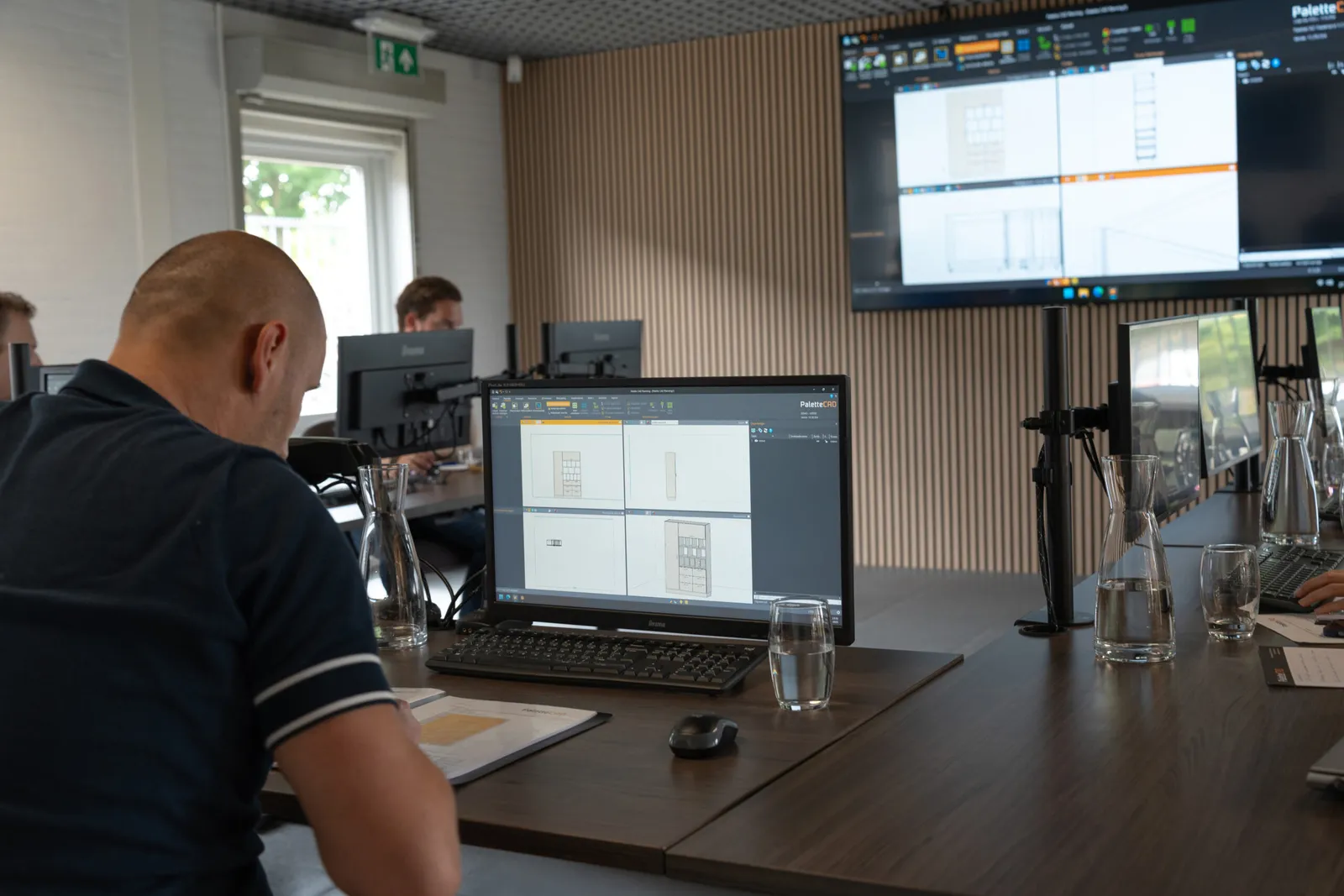
Even those who do not use the application mainly associate the name Palette CAD with design software for interior fit-out and furniture manufacturing. Less visible is the significant role played by service, support and training around the programme. According to Daan Spork, quality manager at Palette CAD, this is a key foundation for using the software.
“A large part of our work involves supporting users,” says Spork. “We do this through training, online guidance and a helpdesk that answers daily questions about drawing and production.”
That is why the new Palette CAD office has deliberately been designed to include more space for training. Staff welcome users there every week for training on the programme. The introductory course is the starting point for new users, familiarising them with the software in a short time.
A wide range of training
Palette CAD currently offers five different training courses. The introductory course is the starting point for new users. “It is intended for anyone who wants to start working with the programme, regardless of their industry,” says Spork.
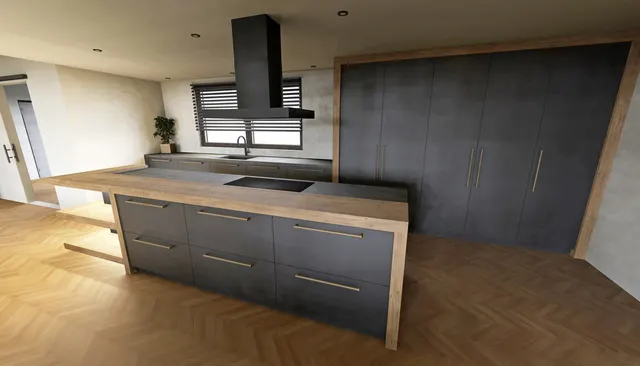
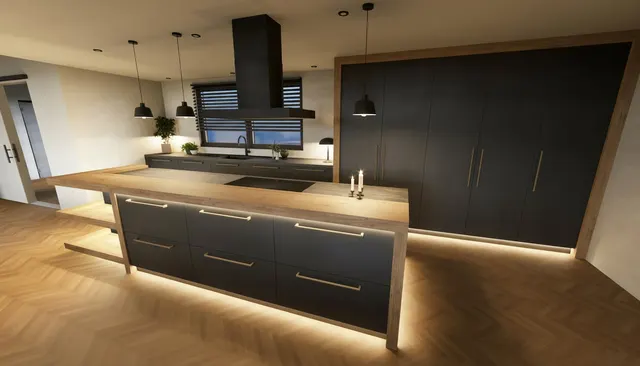
More specialised courses follow. In the Corpusconfigurator course, participants learn how to design cabinets quickly and build their own product catalogue. In the Projectrealisatie course, participants use such a catalogue to develop an initial kitchen design that is immediately ready for presentation and production.
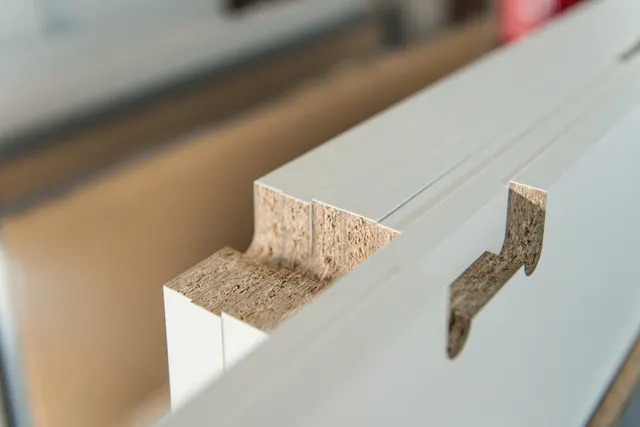
For advanced users, there are the Houttechniek 1 and 2 courses. Participants learn to draw furniture without using the configurator, for example by working with individual furniture panels.
As well as group training, Palette CAD also provides company-specific courses. Trainers tailor the settings and libraries to the way an individual business works. “We bring our knowledge of the programme, while the customer brings their knowledge of their own production process. Combining the two immediately results in a usable catalogue.”
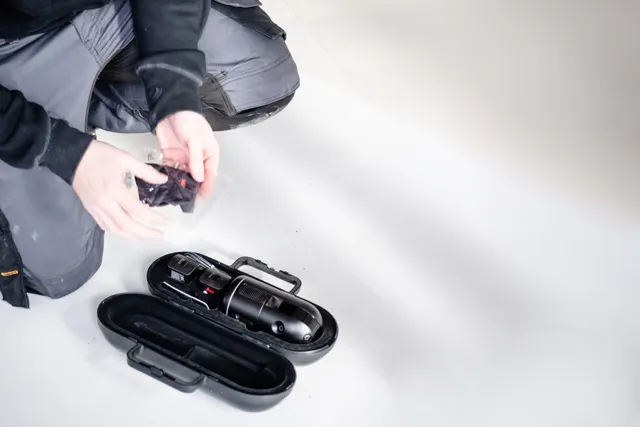
The company is also working on a new CAM course, focusing on integration with CNC machines and optimising production control.
Online support
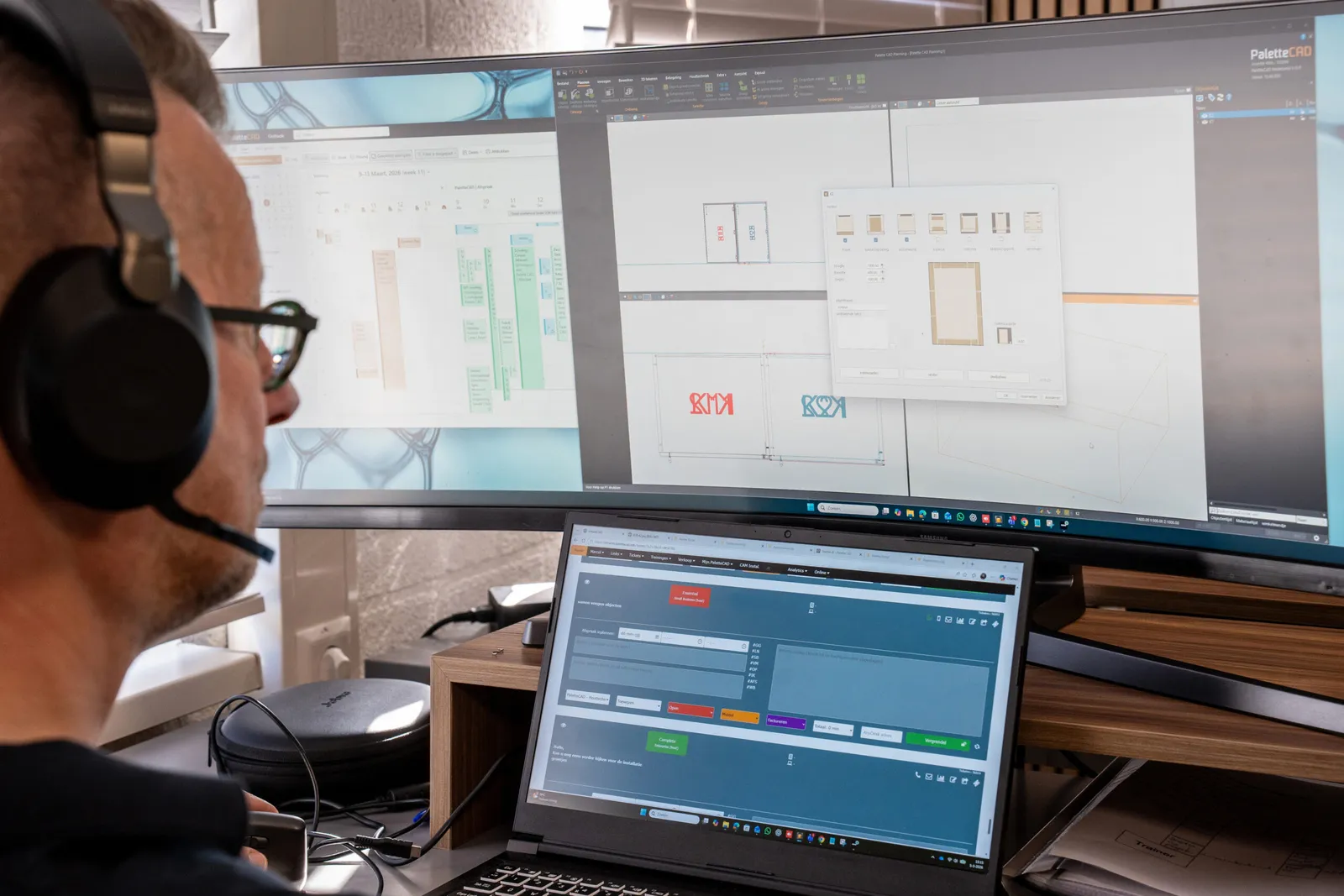
Online support also plays an important role. Through Palette University, users have access to a video library that now contains around four hundred and fifty instructional videos.
“These include short videos covering individual functions as well as longer tutorials that build a complete design. People who use the software can work through them at their own pace and look up exactly what they need.”
There is also an online helpdesk for technical questions. Customers can submit tickets through the Mijn Palette CAD portal, which go straight to the support team. The team consists of eight members. Six answer questions about drawing in CAD, while two focus on CAM integrations.
According to Spork, users particularly value the helpdesk for its speed and technical expertise. “In recent years, we have seen tickets resolved within an average of four hours. Often it is even quicker, depending on the question.”
The programme also includes extensive documentation. The F1 help function gives users access to a searchable knowledge base containing more than a thousand pages of guidance.
“With Palette CAD, you can learn to draw relatively quickly,” says Spork. “But providing a high level of support takes a great deal of knowledge and experience. That is why we continually invest in training our own staff.”
Have a business enquiry for PaletteCAD Nederland? Get in touch
Companies in this story

Keep following this
Get an email when a new story is published. No account needed.
- ThemeDigital workflows from design to production
- SubjectSoftware & automation
- CompanyPaletteCAD Nederland