










Ready for the future with PaletteCAD 10
PaletteCAD 9 was launched three years ago. Now it is time for an update with new features. That is why PaletteCAD is presenting the latest version of its CAD/CAM system towards the end of this year. In many respects, it is ready for the future. Users have more options and can keep pace with the latest technological developments.
The biggest changes are the partially rewritten software code and a new rendering engine. There are also more integration options, such as the CLOUD appearing as a folder structure in Windows File Explorer, PaletteSHOWROOM on your own website, the built-in BLUM product and cabinet configurator, and the groundwork for linking PaletteCAD to online databases of decorative panels and hardware.

You can carry on working in PaletteCAD even while rendering is in progress.
Better programmed
The first thing you notice is the refreshed, modern-looking interface. Everything is in the same place, but the overall look is calmer. PaletteCAD has taken a few cues from Windows 10 here. When you start using the software, you will notice that it responds to commands more quickly. This is because parts of the programme have been rewritten in a more logical way, using a uniform programming language, so calculations are faster. As a result, PaletteCAD can now handle large drawings even more easily.
New rendering engine
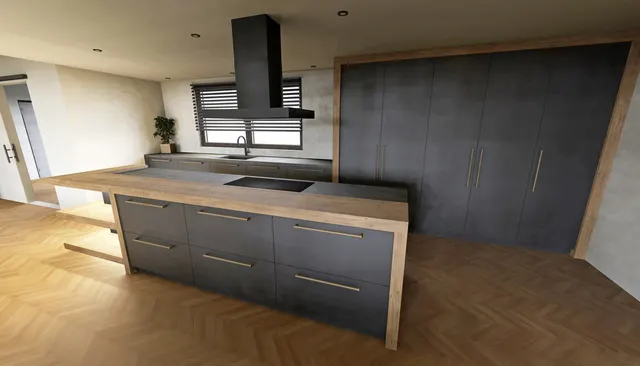
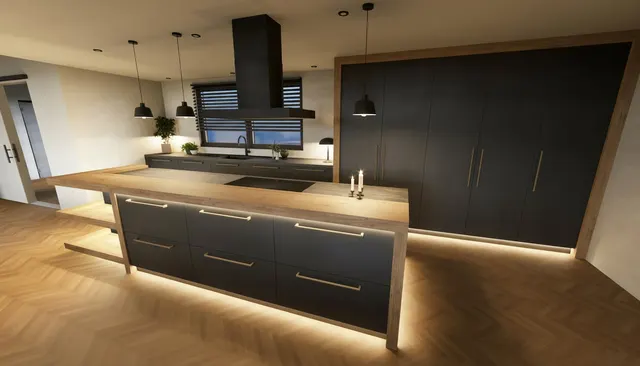
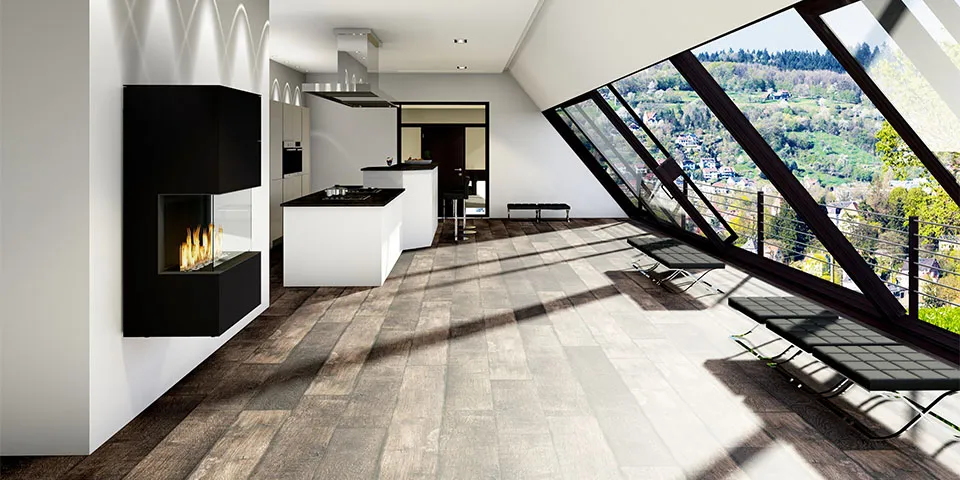
The other major change concerns rendering, material properties and lighting. PaletteCAD has always been good at producing high-quality presentations for clients. Now it is even better. Thanks to a completely new technology, rendering has improved in many respects and is faster. Lighting is easier to adjust and looks even more natural. Material properties are easier to configure, and the effect is immediately visible in photo-quality images. Examples of the more detailed material properties include light absorption and reflection. Consider, for example, how leather responds differently to light than plastic. With version 10, users can even continue designing while PaletteCAD renders. That saves a huge amount of time.

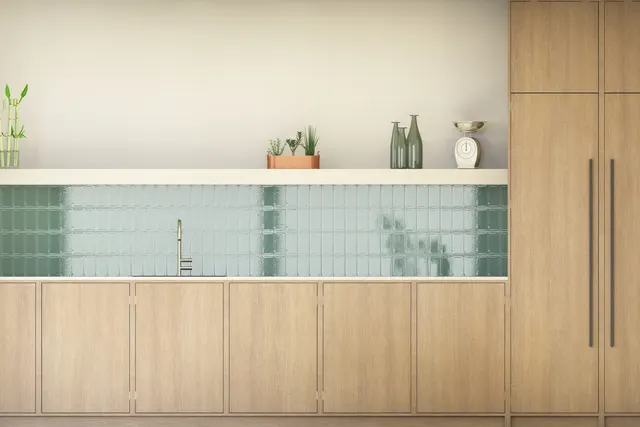
Examples of the more detailed material properties include light absorption and reflection.
Integration options
Software integration is currently a key issue. Everything needs to be connected to make business operations as efficient as possible. PaletteCAD has responded cleverly to this. The CLOUD now appears as a folder in Windows File Explorer, making it easier to share files. PaletteSHOWROOM, with all its completed project presentations and filters, can be integrated into your company website via the CLOUD. This clearly offers plenty of sales opportunities. Connections with suppliers are also important. In addition, the new BLUM product and cabinet configurator is built into version 10. Configured products can be imported directly into PaletteCAD, and the panels are automatically converted into PaletteCAD intelligent furniture panels. All BLUM fittings are now available in PaletteCAD. STEP files can also be imported, so you can use all the commonly used 2D and 3D file formats in PaletteCAD.
PaletteCAD is extremely excited about the arrival of PaletteCAD 10. The software has always offered a wide range of options, but stability and speed remain its top priorities, ensuring users receive the best quality. This new version includes many other improvements too. The PaletteCAD Germany team is already hard at work on the next update, which will bring even more new features. PaletteCAD continues to innovate and evolve.
Question about this story? Ask your question
Keep following this
Get an email when a new story is published. No account needed.
- ThemeDigital workflows from design to production
- SubjectSoftware & automation