










How to automate and deploy robotics
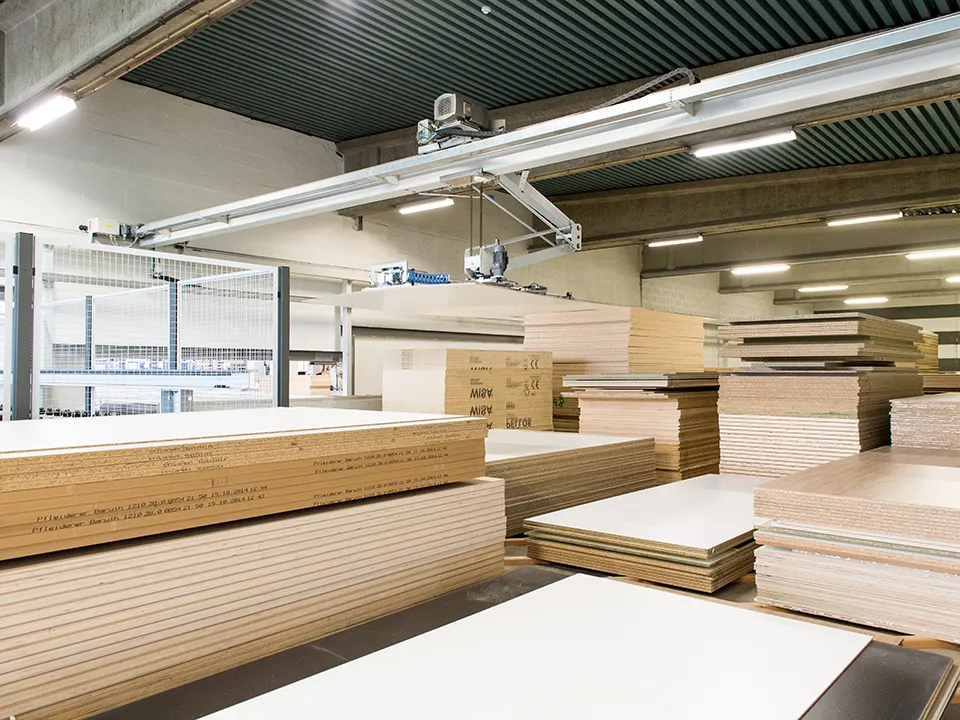
Drawing plans in a software programme that also controls the machines is no longer science fiction.
And yet, some businesses still treat every step in the production process as a separate task. Vlecad can help you optimise it.
Here is how the process works. Plans for a fitted cabinet are drawn in 2D. We then take them to the workshop and present them to the workshop manager. He or she takes the plans to the workers operating the relevant machines. A look back at the past, you say? There are certainly still businesses where this is standard practice. The result is undoubtedly a perfect fitted cabinet, but the process of producing it could, to put it mildly, be much more efficient. “The foundation of automation and robotics is a software package that handles production preparation,” Vlecad emphasises. “And we can help with that.”
Ask the right questions
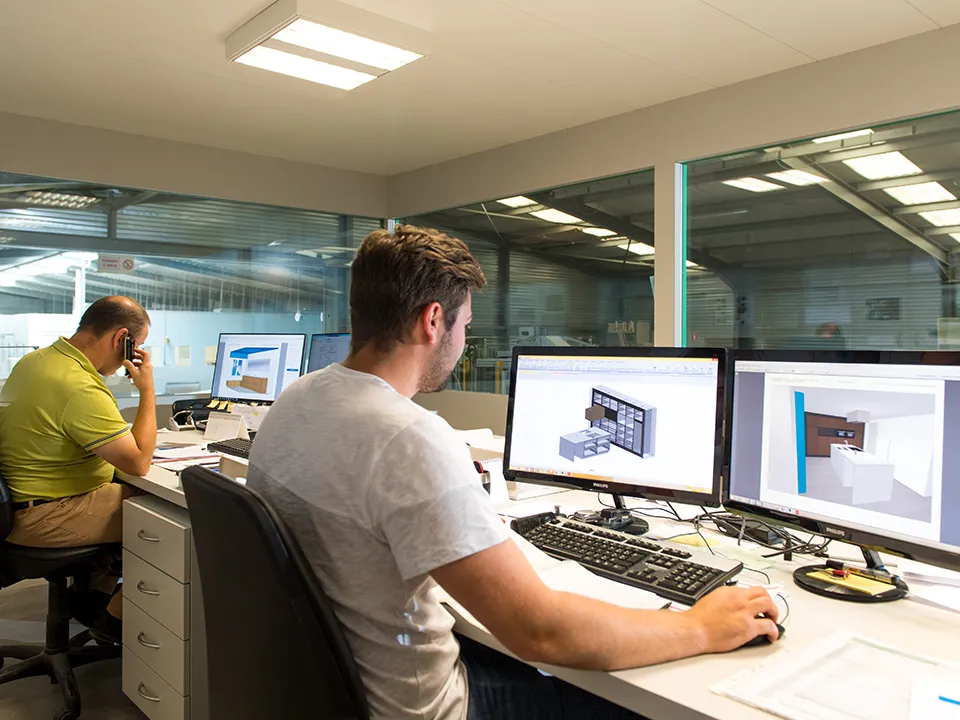
Vlecad has been developing software for interior contractors since 1987, so it knows exactly what matters when choosing software for production preparation. First of all, you need to know which machines are in the workshop and whether the software package can feed them data. Can the work currently being carried out actually be drawn or designed in the software? Also important: which machines will you buy in future, and is the software ready for them? “Of course, there are other questions that influence your choice of software package,” says Vlecad. “And we can support you with its implementation, too.”
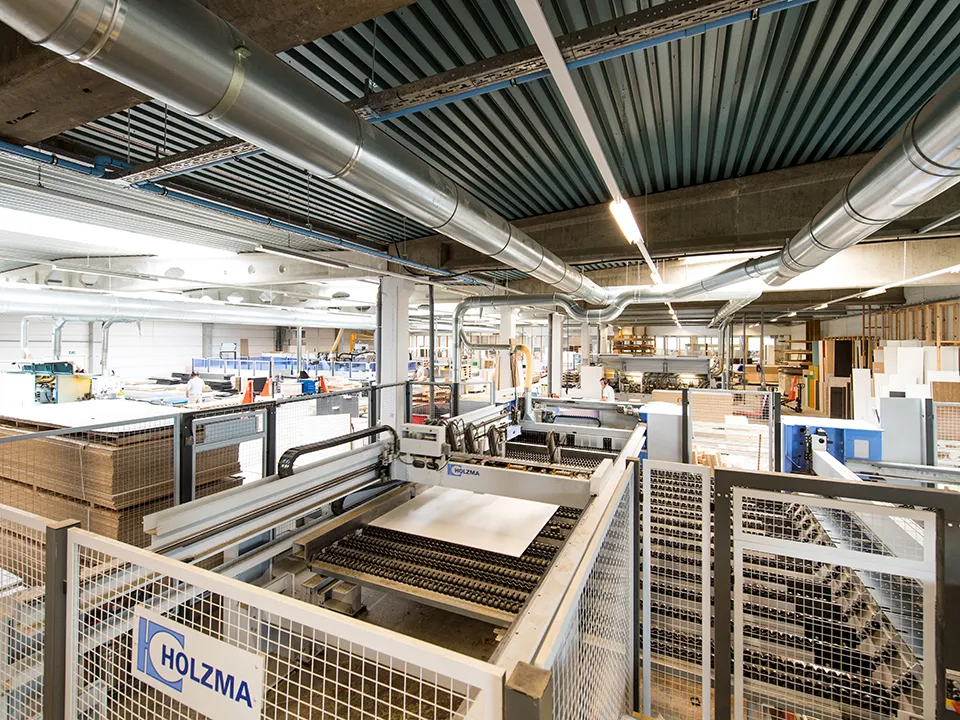
In the workshop
Good production preparation already optimises a large part of the production process. The software sends commands directly to the machines. Since manual input is no longer needed, errors and machine downtime are reduced. The results are immediately visible and measurable. Step two is an important part of the automation process. It is essential to measure the workflow in the workshop, so you can identify where things may be running less smoothly. “What gets measured gets managed” may be a well-worn cliché, but measuring does help automation in the workshop run smoothly.
Time tracking using scanners or a smartphone is one option. “Be sure to ask both machine and software suppliers whether everything is compatible with each other and meets your questions and needs,” Vlecad emphasises. “Also share your vision for the future and check whether it is compatible with the software you are discussing. That way, you can avoid unexpected costs.”
Responsive support
“So how can Vlecad help me?” the software developer asks. “With Korpus and AutoFIT, we offer an all-in-one solution for fitted-cabinet manufacturers. Korpus is for parametrically designing cabinets and rooms, rendering images, creating technical drawings and controlling production. AutoFIT is a fully featured optimisation software package that supplies the necessary data to the panel saw. Both packages are developed under the same roof, which means we can respond quickly with support and with new developments for new machines. Please contact us for further information.”
Question about this story? Ask your question
Companies in this story

Keep following this
Get an email when a new story is published. No account needed.
- ThemeDigital workflows from design to production
- SubjectGeneral
- CompanyVlecad